Battery Cell Details
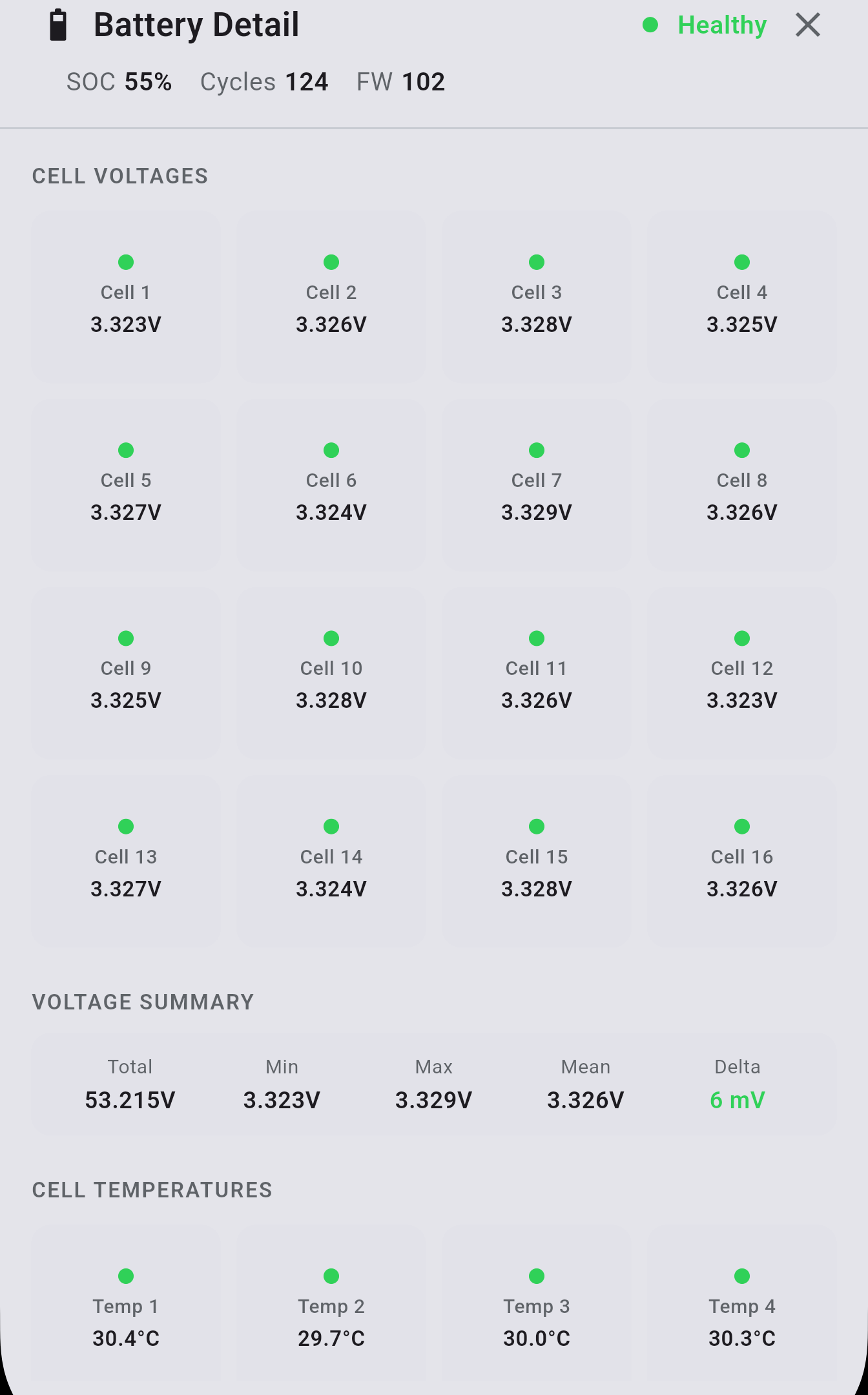
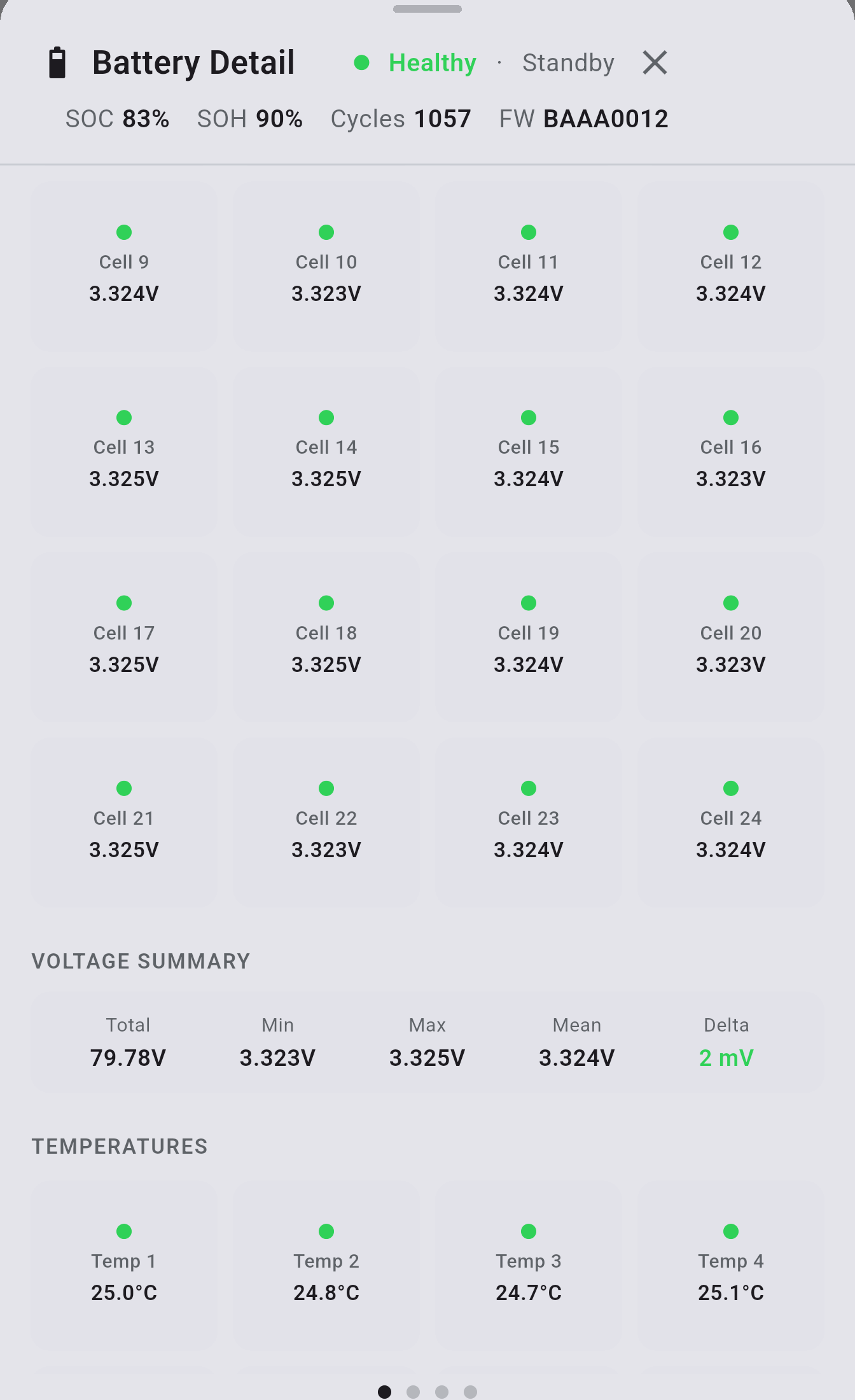
Tapping the battery card on the Dashboard opens a detailed cell-level view of your battery. The data shown depends on your battery type.
What’s shown
Section titled “What’s shown”LV batteries
Section titled “LV batteries”- Per-cell voltage (mV)
- Temperature readings
- Calculated State of Health (when BMS capacity data is available)
HV batteries (BMU)
Section titled “HV batteries (BMU)”- Per-pack cell voltages
- BMU and BCU pack data shown separately
- Temperature per group or per cell depending on battery type
State of Health
Section titled “State of Health”When your battery’s BMS reports capacity data, INVLocal calculates and displays a State of Health percentage. This reflects how much usable capacity remains relative to the original design capacity.
To enable State of Health display, turn on Show Calculated State of Health in Settings → Battery Diagnostics (NOTE: This setting is removed in version 1.0.5 and later).
INVLocal is an independent product. It is not affiliated with, endorsed by, or supported by GivEnergy. GivEnergy is a trade mark of its owner and is used here only to describe hardware compatibility.